Disclosure: this article contains affiliate links. If you buy through them, AliCoinsDeals may earn a commission at no extra cost to you.
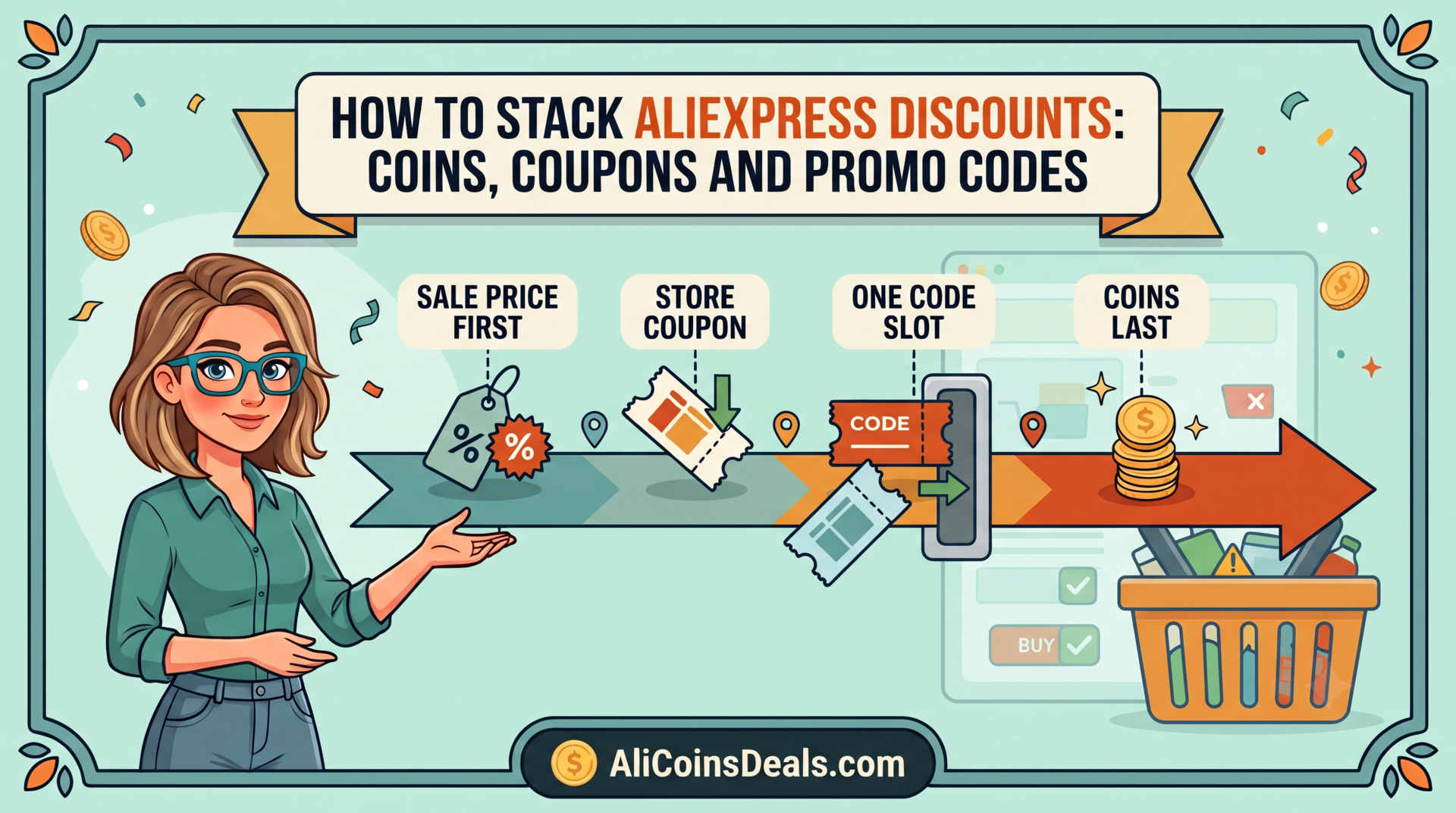
AliExpress discounts do stack, but AliExpress has never published a rulebook for how. No official page lists which coupons combine or the order they apply in, so the guides that state a fixed order are guessing, and they contradict each other. The only authority is your checkout breakdown, which lists every discount it actually applied.
What AliExpress does put in writing is narrower and more useful: sale prices stack with tiered coupons, a minimum spend must be exceeded, some items are excluded, and discounts are forfeited on a refund. This guide works from those rules, then shows how to pick the right code for a real cart.
Key Takeaways
- AliExpress confirms that sale prices and tiered coupons stack. It does not publish an application order or a list of what conflicts.
- A coupon’s minimum spend must be exceeded, per AliExpress’s Bonuses terms. A cart exactly on the threshold may not qualify.
- The best code for your cart is often not the one whose threshold sits closest. Compare the cash saved, not the tier.
- If you return an item, the coupon or Coins value used on it is forfeited, not reissued.
- When a stack fails, read the checkout breakdown line by line. It shows what applied, which no guide can tell you in advance.
What Does AliExpress Officially Say About Stacking?
Less than most guides suggest. The clearest official statement comes from AliExpress’s own sale announcements. Its June 2026 Summer Sale release says “shoppers can maximize their savings by stacking site-wide discounts with tiered coupon offers”, with tiers such as “$3 off $15 | $6 off $39 | $10 off $69”.
The binding rules sit in the AliExpress Bonuses Terms & Conditions, which cover its discount instruments, Coins included. Four points in them affect stacking:
- A bonus with a minimum purchase requirement needs an order that will “exceed the minimum purchase requirement”.
- Bonuses “may not be used for certain regions and/or products”.
- They can’t be used on virtual products such as mobile top-ups or software licences.
- Unused value is forfeited when a bonus expires.
Nothing in either document says which discount applies first, or whether a store coupon and a typed code can share an order. Treat any guide that states those as rules with caution.
Which Discounts Can You Combine?
The honest version of the stacking table separates what AliExpress documents from what you can only observe at checkout. Most guides blur the two, which is why they contradict each other on the same question. The left column is the combination, and the middle column says whether a published AliExpress source confirms it. Where it says no, nothing written guarantees the result either way, so your own checkout is the test.
| Combination | Documented? | Source |
|---|---|---|
| Sale price + tiered platform coupon | Yes | AliExpress Summer Sale release, 2026 |
| Any coupon or Coins + excluded item/region | Yes, excluded | Bonuses Terms & Conditions |
| Any coupon or Coins + virtual product | Yes, not allowed | Bonuses Terms & Conditions |
| Store coupon + platform code | No, check the breakdown | None published |
| Promo code + collected platform coupon | No, check the breakdown | None published |
| Coins + promo code | No, check the breakdown | None published |
| Payment-method offer + coupons | Offer exists; stacking not stated | AliExpress 11.11 release, 2025 |
In practice, many shoppers find a store coupon and one platform-level code both show up as separate lines. But that is an observation, not a guarantee, and it can differ by sale. The checkout breakdown settles it for your order before you pay.
Which Code Should You Use for Your Cart?
Pick by cash saved, not by the tier that looks closest to your cart. Here is a real example using codes on our promo codes page, checked on 1 October 2026 during Choice Day. The cart is $95 at sale prices.
| Code on offer (October 2026) | Your cart qualifies? | You save |
|---|---|---|
| Choice Day: $11 off $79 | Yes | $11.00 |
| Monthly: $9 off $89 | Yes | $9.00 |
| USA set: $9 off $65 | Yes, US accounts | $9.00 |
| Choice Day: $20 off $159 | No | $0 |
The Choice Day code wins at $11, even though the monthly “$9 off $89” tier sits closer to $95. Sale codes often carry better ratios than the standing monthly set, so check them first whenever an event is running. The AliExpress sale calendar shows when those events fall.
One more check is worth doing. If you’re within $10 to $20 of the next tier, price out a small add-on item. On a $150 cart, adding $10 to reach “$20 off $159” saves $9 more than the $11 code, so the add-on effectively costs $1. Only do it for something you’d buy anyway.
Why Does a Code Fail When You Cleared the Minimum?
Usually because the cart didn’t clear it in the way AliExpress measures. The Bonuses terms require the order to “exceed” the minimum, so a cart of exactly $79.00 is at risk on a “$11 off $79” code. Aim for at least a few cents over.
The bigger trap is what the minimum is measured against. AliExpress doesn’t say whether a store coupon reduces the subtotal before a platform code checks its threshold. Take an $82 cart with a $5 store coupon. If the code checks the $82, it qualifies. If it checks $77 after the store coupon, it fails.
You can’t know in advance, so test it. Apply the store coupon, then enter the code, and read the breakdown. If the code drops off, either remove the store coupon and compare the two totals, or add a small item to push the cart back over.
Where Do Coins and Payment Offers Fit?
Coins are one of the instruments the Bonuses terms cover, so the same rules apply: exclusions, the virtual-product ban, and forfeiture on refund. AliExpress doesn’t publish a fixed coin value or a per-item cap. The discount your balance is worth on a given item is shown at checkout, and our coin converter shows it before you reach that point. The earning routine is in how to use AliExpress coins effectively.
Payment-method offers are a separate layer that many shoppers miss. During 11.11 in 2025, AliExpress’s sale announcement offered “$40 off when paying with PayPal” on larger orders. The release doesn’t say whether that offer combined with coupons, so check the payment page breakdown before you confirm.
With 11.11 2026 a few weeks away, it’s worth watching for a similar payment offer. Choose your payment method last, after the coupons are in place, so you can see whether it changes the total.
What Happens to Your Discounts If You Return Something?
You lose them. This is the most important stacking rule nobody mentions, and it’s written plainly in the Bonuses terms. A refund “will not exceed the buyer’s cash payment”. The terms give their own example: “if a €1 bonus was used on a €15 order, the refund for such order will not exceed €14.”
They go further. “No new Bonus (es) will be issued in connection with such refund or return”, and the bonus value used is “deemed to have been automatically forfeited”. So a coupon or Coins spent on an order you return don’t come back to your account.
That changes how to stack on risky purchases. If you’re unsure about fit or quality on one item, consider buying it in a separate order without your best code. Spend the strongest code on the items you’re confident you’ll keep. For returns themselves, see AliExpress free returns explained.
Why Did Your Stack Fail at Checkout?
Run down this list in order. Each cause is either written in AliExpress’s terms or visible in your own breakdown.
- The cart didn’t exceed the minimum. Exactly on the threshold may not count, and a store coupon may already have pulled the subtotal under it.
- An item or region is excluded. Some codes only validate on accounts set to one country. Our USA-only codes are marked as such.
- The item is virtual. Top-ups, software licences and service add-ons can’t take coupons or Coins at all.
- The coupon ran out. AliExpress states that sale coupons are “available on a first-come, first-served basis”.
- It expired. Unused coupons lapse at the end of their validity period, and the value is gone.
- Two platform discounts competed. If a collected coupon vanished when you typed a code, the breakdown kept one. Compare both totals.
If none of those explain it, contact support from the order screen with a screenshot of the breakdown. The fastest routes are in how to contact AliExpress support.
Frequently Asked Questions
Can you use two coupons on one AliExpress order?
Often, yes, in the sense that a store coupon and a platform code frequently both appear on one order. AliExpress doesn’t publish a rule guaranteeing it, though. Apply both and read the checkout breakdown, which lists every discount it accepted. If one disappears, compare totals with each.
In what order do AliExpress discounts apply?
AliExpress doesn’t publish an order, and guides that state one contradict each other. What matters in practice is whether each coupon’s minimum is still exceeded after the others apply. Apply your store coupon, then your code, and check that every discount line stays on the breakdown.
Do I lose my coupon if I return an item?
Yes. AliExpress’s Bonuses terms say the refund won’t exceed what you paid in cash, no new coupon is issued, and the value used is forfeited. On a risky item, consider a separate order without your best code, so a return doesn’t waste it.
Why does my code say the minimum isn’t met?
Usually the cart sits exactly on the threshold, which may not “exceed” it as the terms require, or a store coupon has pulled the subtotal below it. Add a few cents to a few dollars of real items, or remove the store coupon and compare which total is lower.
Can I use coupons on mobile top-ups or software?
No. AliExpress’s Bonuses terms state that bonuses may not be used on any virtual product, including software licences, mobile top-ups and commercial warranty or maintenance services. Coins and promo codes won’t apply to those items, whatever the code’s tier or minimum spend.
Stacking on AliExpress works best when you stop following rules nobody published and start reading the one document that’s always right: your checkout breakdown. Pick the code that saves the most cash, clear its minimum with room to spare, and keep your best code away from anything you might return. Then check this month’s codes on the promo codes page.
Ready to unlock massive savings?
Don't pay full price on AliExpress. Use our free coin converter to find hidden discounts up to 90% off.